
 In-Person Events
 Virtual Events
 Hybrid Events
 Webinars
Travel 12 October 2026
How can organizers manage 10,000+ attendees without registration bottlenecks
Manage 10,000+ attendees with event registration software. Reduce bottlenecks, automate check-ins, and streamline event entry.


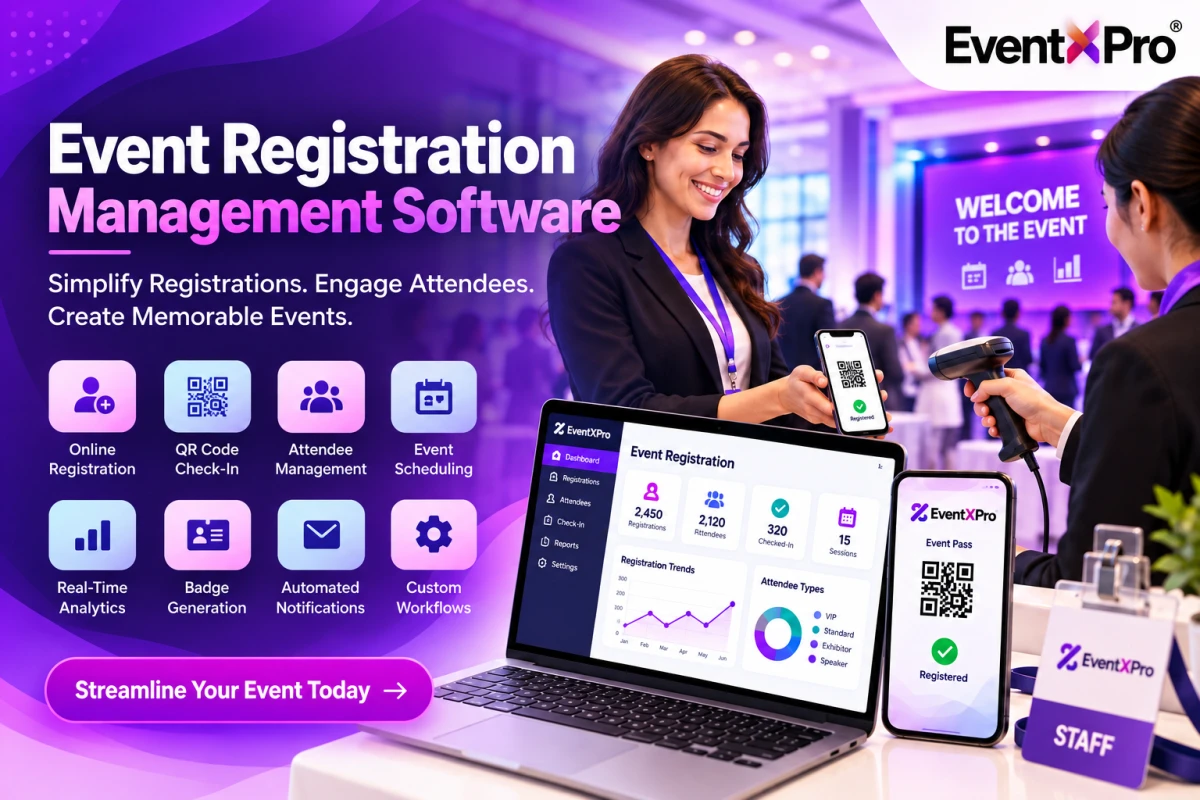
Managing more than 10,000 conference, exhibition, trade show, or corporate event attendees is not just about organizing additional registration counters. Registrations, attendee verification, badge printing, and general flow management must be automated and optimized.
According to EventXPro , their in-person event management solution helps exhibitors, organizers, and attendees address the challenges of high-volume gatherings by unifying registration, ticketing, QR-code check-in, self-service, and badge printing.
Before attendees come to the venue, the registration process must be completed to eliminate queues at counters.
With an event registration software, you can
set up a registration page for capturing attendee information,
configure forms and fields,
sell different types of tickets (for visitors, exhibitors, VIPs, and delegate),
automate email communication and ticket distribution,
and collect all personal data in one place.
Once everything is ready, you can use EventXPro registration and ticketing system to prepare the database for future attendees.
Event attendee management
Why it is important: By eliminating the need to type personal data at registration counters, you save time for check-in and guide traffic through the venue.
Name searching, sign-in sheets, and on-site form filling are time-consuming when thousands of people visit the venue at once.
Instead, you can use QR code scanning to read digital tickets and let people enter the event. Additionally, using digital badges and mobile check-in helps minimize manual processing of attendees.
EventXPro lists QR-code scanning, mobile check-in, and real-time attendance as features under attendee management.
How to make it work:
• Send QR tickets ahead of the event
• Set up scanners at registration counters
• Prepare staff for handling invalid, duplicate, or absent tickets
• Designate a help desk for resolving registration issues
• Keep track of successful check-ins to avoid processing the same person twice
A single queue for registration may turn into a bottleneck. Split the process into lanes and let people know where to stand by using signage.
Registration lane Purpose
Pre-registered attendees QR code or easy verification
On-site registration Newcomers without a ticket or with a ticket
VIPs and speakers Priority support
Exhibitors and sponsors Pick up badges and get organized
Help desk Missing ticket or data correction
Self-service kiosks and automated badge printing can complement the system. EventXPro lists self-check-in and instant badge printing as features of their in-person event management solution.
Pro tip: Keep the exception processing desk (for resolving registration issues) separate from general scanning counters. One visitor with problems should not hold traffic of tens or hundreds of other people.
For big events, badge collection is yet another potential bottleneck. You can reduce the load by printing badges for pre-registered attendees and using automatic printing for newcomers at self-service counters. Each printed badge should include a QR code or another symbol for instant verification.
EventXPro mentions batch printing and scanning, along with attendee verification, as part of the large-scale event registration process.
• Prepare badges for all eligible, pre-registered attendees
• Separate badge claiming counters from registration counters
• Set up signs for different badge categories
• Keep an extended supply of badges and printing machines
• Designate a manual verification stage in case of technology failure
Counters and ticket scanners should be linked to a dashboard that shows the total number of registered and checked-in visitors, ticket categories, and general statistics. EventXPro mentions real-time dashboards and reports in the context of their large-event in-person management solution.
Using this information, you can balance the load between different registration counters and lanes and redirect traffic to less occupied channels. If possible, use venue layout to guide attendees to specific counters. For example, if some lanes are too crowded while others are almost empty, signage can signal that several counters are available.
The number of people arriving at once is more important than total attendance. Even if 10,000 people register for the event, the load is determined by how many of them come at the same time.
Specifically, a certain number of visitors ( N ) will apply to the counters every hour. This figure determines the necessary number of scanners, printers, and staff at registration counters. Processing speed depends on the verification and printing technologies, as well as the number of people who need help.
Before the event, estimate the traffic based on the registration trends. Simulate the registration process at peak time to see how many counters and self-service machines are needed. Prepare spares for scanners, badges, electricity, and network equipment. Assign an operations manager who will watch the queues and deal with bottlenecks.
Gulfood 2026
According to the case study , EventXPro provided the official registration software for Gulfood 2026, which was held on January 26 – 30 at Dubai World Trade Center and Dubai Exhibition Centre at Expo City Dubai. The event registered more than 8500 exhibitors and visitors from 195+ countries and used QR code badges, check-in, and attendee flow software at both venues.
In the example above, you can see why simultaneous operation of multiple large events requires synchronized registration, check-in, and management software. The case study only mentions exhibitors and attendees from different countries; it does not indicate how many of them were processed at once.
The ultimate checklist for managing large-scale events
Event preparation checklist Quantity
Launch online registration well ahead of the event
Send digital tickets and QR codes beforehand
Set up separate counters for pre-registered attendees, VIPs, exhibitors, and problem resolution
Configure scanners, kiosks, and badge-printing stations
Load-test the system and network capacity
Prepare spares for electricity, equipment, and manual verification
Watch the queue length and check-in rate in real time
To reduce bottlenecks at events with 10,000+ attendees, use pre-registration, QR code check-in, multiple registration counters, self-service kiosks, real-time dashboards, and backup systems. EventXPro unifies such features in its in-person event management solution. Get more information about the company’s exhibitor and event management tools or request a demo to see how your organization can scale up attendee registration and other processes.
Your email address will not be published. Required fields are marked *
Manage 10,000+ attendees with event registration software. Reduce bottlenecks, automate check-ins, and streamline event entry.
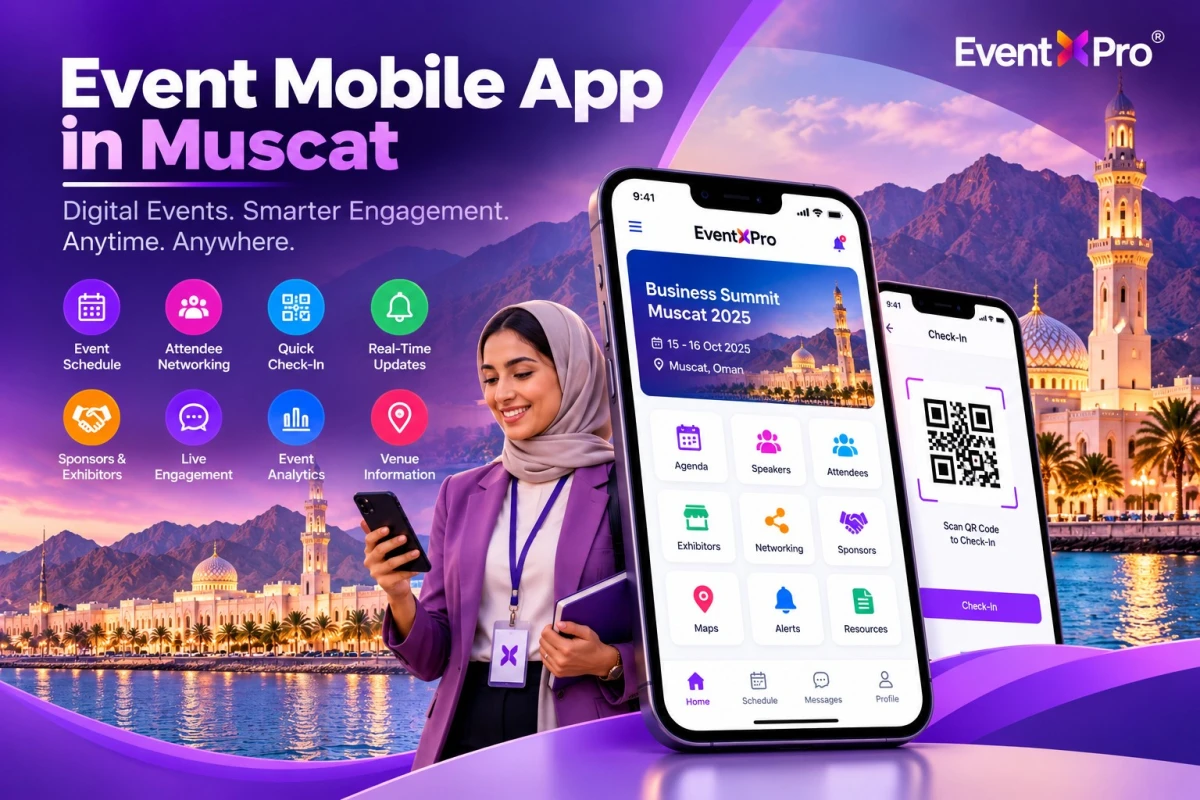
Event Mobile App in Muscat | Enhance Event Experiences with EventXPro for Seamless Event Management and Attendee Engagement
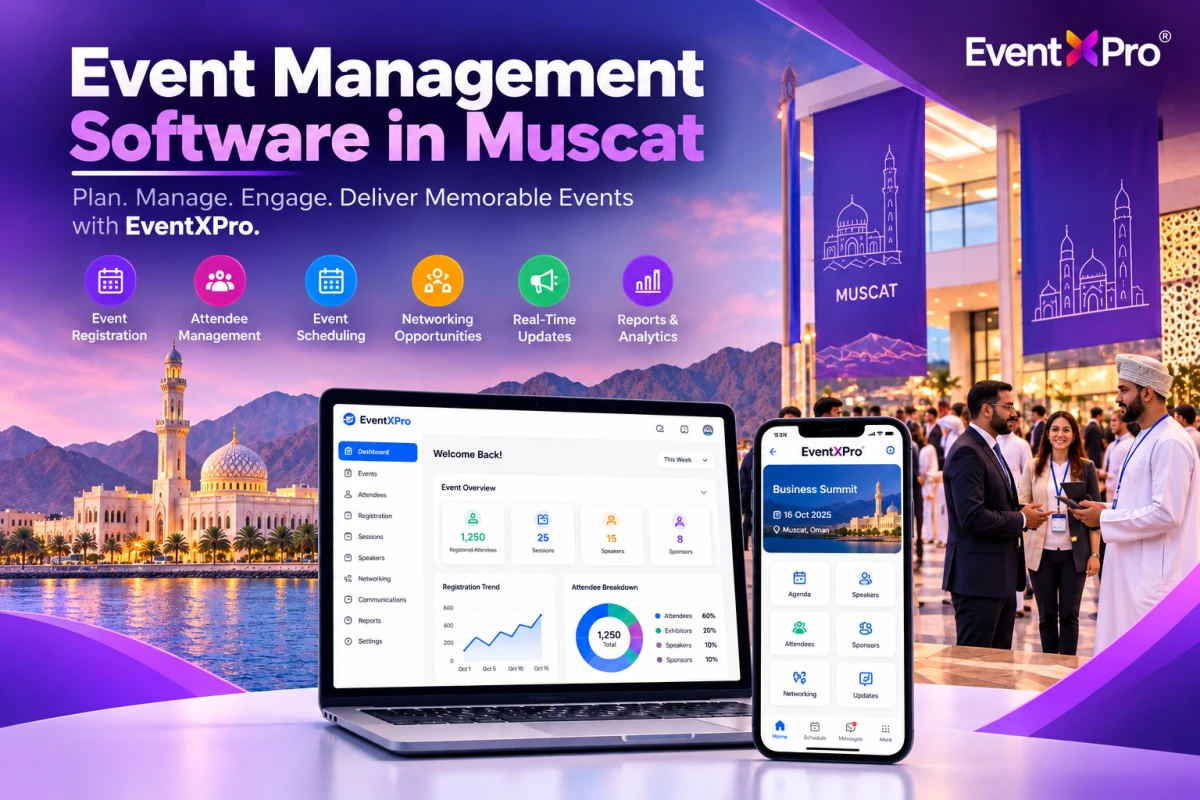
Event Management Software in Muscat | Simplify Event Planning, Registration, and Attendee Engagement with EventXPro